Extra UGC services only help when they match where the video will run. Use this decision guide before you add a face, voiceover, extra hook, creator post, or Spark Ads code.
Most Saudi stores add extras to a UGC order because the options are sitting there, not because the video needs them. You either pay for a service you never use, or you skip the one service that would have made the file usable as an ad.
Add an extra only when it changes where the video can run or fixes a clear gap in the footage. On-camera appearance fits product pages and testimonials. Voiceover and an extra hook fit paid social. A creator post behaves more like influencer reach. A Spark Ads code keeps spend and targeting with you. Motion graphics, fast delivery, extra talent, and event coverage are situational, not a default bundle.
Creators set their own base price. Optional services are priced separately and shown before you confirm the order. Do not buy the full list “just in case.”
 ## Start from the video’s job, not the extras list
Write one sentence before you tick anything: where will this video run in the next two weeks?
- Paid ads on TikTok, Instagram, or Snapchat
- The product page on your store
- An organic post or story on the brand account
- Coverage of a real event or in-person launch
Each path needs a different file. A fast ad hook does not need motion graphics. A calm product-page demo does not need a post from the creator’s account. If you cannot tie a service to a specific placement, leave it off.
Settle the video type first. If you are still choosing among unboxing, demo, and testimonial, decide that before you price extras.
When on-camera appearance is worth adding
On-camera appearance means the creator is in the frame, not only a voice over product shots.
Add it when the viewer needs to trust a person using the product: beauty, fashion fit and fabric, food that is tasted, or a short opinion after use. A face reduces the “studio ad” feeling, especially on a product page.
Skip it when the product explains itself on camera: electronics coming out of a box, a home tool switching on, a digital product shown on screen. A poorly lit or hesitant face is weaker than a clean product shot.
Before you pay for a face, watch the creator’s previous work and check that their on-camera style fits your category. A sports creator who never handles eyewear will not become a glasses presenter because you added a line item. Evaluate the profile and past videos first, then add the service.
Voiceover, an extra hook, and motion graphics
These three change pacing. They do not buy reach.
Additional voiceover helps when the product footage is strong but the Arabic explanation still needs to be clear: how to use it, what is in the box, how sizing works. Skip it if the creator already speaks clearly on camera. You would be paying twice for the same script.
An extra hook is a second opening you can cut onto the same body for ads. Add it if you will test more than one first line on paid social: a question, a common objection, or a result in the first two seconds. One shoot with two openings gives you a test without reshooting the product. If the video is a single organic post, one opening is enough.
Motion graphics help when a price, warranty, or usage step is hard to understand from footage alone. Skip them when you want the video to feel like a personal clip. Heavy graphics push it toward an agency ad.
If the file is heading into ads, line these extras up with how you plan UGC product videos for paid social so you do not buy a second hook with no cut plan.
Fast delivery, extra talent, and event coverage
Fast delivery is worth the line item when you have a hard date: a weekend promo, a seasonal drop, or a live ad set that has run out of fresh footage. Do not buy it because you vaguely want the video sooner. Speed without a date usually taxes lighting and takes, not the campaign.
Additional talent fits gifts, occasions, or a product used by two people: a couple opening a box, two friends comparing a colour. For a solo product — earbuds, lenses, a kitchen tool — a second person rarely adds proof and often splits the frame.
Event coverage is for a real event only: a store launch, a workshop, on-site filming. Do not order it as a substitute for a standard product video at home. Coverage and a short selling UGC clip are different jobs.
Creator posting versus a Spark Ads code
After you accept the video, someone still has to publish or advertise it.
An Instagram, TikTok, or Snapchat post means the creator publishes from their account. That is closer to influencer distribution than to UGC production. Add it if their audience in Saudi Arabia actually overlaps yours and you want social proof that looks like a real post. Skip it if you need full control of caption, timing, and comments, or if you chose the creator for craft rather than following. A UGC creator does not need a large audience to deliver a strong product video.
A Spark Ads authorization code lets you run that video as an ad from the creator’s post, while spend and targeting stay with you. Add it when the path is paid social and you want the ad to look like a native post. Skip it if you will upload the file as a dark ad from your own ad account, or if the only placement is the product page.
Do not buy posting and Spark Ads together unless you will use both: an organic post first, then spend on that same post. Most store orders need one of the two.
When to add extra services to a UGC order
ExtraAdd it whenSkip it whenOn-camera appearanceYou need trust, a try-on, or a spoken opinionThe product is clear from footage aloneAdditional voiceoverSteps or details need a clean Arabic explanationThe creator already talks clearly on cameraExtra hookYou will test more than one ad openingThe video is one post or a product-page clipMotion graphicsA price, step, or warranty is unclear on filmYou want a personal, non-ad lookFast deliveryYou have a launch date that cannot moveNo campaign date is attachedExtra talentThe product is gifted or used by two peopleUse is entirely soloEvent coverageA real event needs filmingYou want a normal product videoCreator postTheir account reaches your buyers and you want a native postYou hired them for the footage, not the followingSpark Ads codeYou will advertise from their post and keep control of spendYou will run a dark ad or use the file on the product page
Hypothetical example: a Riyadh skincare demo
The scenario below is hypothetical, not a customer result.
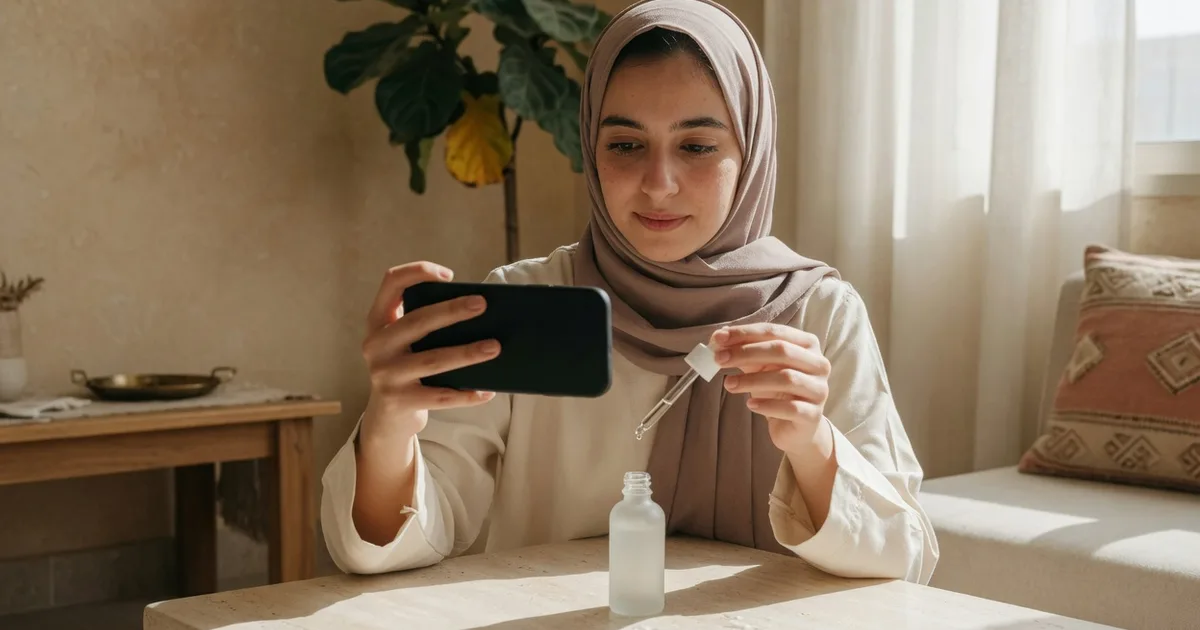
A Riyadh beauty store orders a 30-second serum demo for Instagram and TikTok ads, plus a shorter cut for the product page. The right creator already explains similar products on camera with steady light.
A sensible order in this case:
- Base video: a usage demo, not an unboxing.
- On-camera appearance: the viewer needs to see texture on skin.
- Extra hook: a second opening that faces “expensive versus pharmacy.”
- Spark Ads code: the video will run as a paid ad from a boostable post.
What stays off? An organic post on the creator’s account (the store does not need their feed this week). Motion graphics (the serum reads on camera). Extra talent (use is solo). Event coverage (there is no event). Fast delivery (launch is three weeks out).
A Jeddah gifts store shooting a Snapchat social-proof clip might instead add on-camera appearance, extra talent, and a Snapchat post, and skip Spark Ads if no ad spend is ready.
Mistakes that waste the extras budget
Buying every service on the screen. The list is not a premium package. Each line is separate work at a separate price.
Paying for a post because you mixed up a UGC creator with an influencer. If you need their audience more than their product footage, you are making an influencer decision, not ticking a UGC extra.
An extra hook with no test plan. A second opening that says the same thing in a new sentence is a reshoot, not a test.
On-camera appearance from a creator who does not hold the frame in their portfolio. Check the work first. The extra cannot fix a mismatch.
Fast delivery as an apology for a late brief. If a normal timeline still hits the date, do not pay to compress the shoot.
What to do before you place the order
- Name one primary placement for this video.
- Lock the video type: demo, unboxing, or testimonial.
- Add only one extra that fills a gap in that placement (a face, a hook, or an ads code).
- Delete any extra you cannot explain in one sentence.
- Read each optional price as it appears before checkout. Creators set their own prices, and extras are itemised.
If the placement is paid social, write two different hook angles before you order so the extra opening is actually cuttable.
Once the video type and extras are set, browse creators on PushBrands by product category, compare previous work, and order at the fixed price the creator sets. Optional services appear before you confirm, and payment stays held until you accept the video. UGC services on PushBrands start from SAR 150.
FAQ
Does every product video need the creator on camera?
No. A face helps when trust or lived experience is the reason to buy. If the product is clear from use on film — a device, a tool, an unboxing — a clean product-only clip beats a weak on-camera take.
Does a Spark Ads code replace uploading the file to your ad account?
Not in every case. The code is useful when you want to advertise from the creator’s post so the ad feels native. If you will run the file as a dark ad from your own account, or only embed it on the product page, you do not need the code on this order.
When should I buy Instagram, TikTok, and Snapchat posting together?
Only when you will actually publish on each platform and the creator has an account that fits your buyers there. Do not buy three posts as insurance. One platform you will use this week beats three you will not manage.
Does fast delivery improve the video?
It compresses the calendar. It does not raise the creative ceiling. If a normal timeline still hits your date, skip the extra and spend any revision on clarity or lighting, not speed.
Can I add an extra after filming has started?
Assume extras are locked before the order. A face, extra person, lighting setup, and second hook all change the shoot. Changing scope after filming is usually a new order, not a small revision.
- ugc extras
- spark ads
- saudi brands
- product videos
- short-form video