One Product, Many UGC Videos: Angles, Hooks and Formats to Order
One Saudi product can support several UGC videos if you change the job, setting, and hook. A six-angle plan so stores stop repeating the same clip.
If you sell one hero product, you do not need one hero video. You need several short clips, each answering a different shopper question. The practical way to create multiple UGC videos for one product is to change the job of the video, not the SKU.
A Saudi shopper who sees the same unboxing on Reels, in a Snapchat ad, and on your product page will skip it. A shopper who sees a shade check, then a morning routine, then a gift-wrap clip is still looking at the same item. Each video simply earns a different slot.
This article gives you a six-angle plan, a rule for keeping clips from overlapping, and an order sequence you can reuse every time you add a product.
Why one SKU still needs several UGC videos
Short-form video wears out when the first three seconds stay the same. Paid social, organic Reels, Snapchat, and the product page also ask for different proof.
A first-look clip can stop a cold viewer. A demo of one feature helps someone who already opened the product page. A gift angle belongs next to a seasonal offer. If you force one video to do all three jobs, it usually does none of them well.
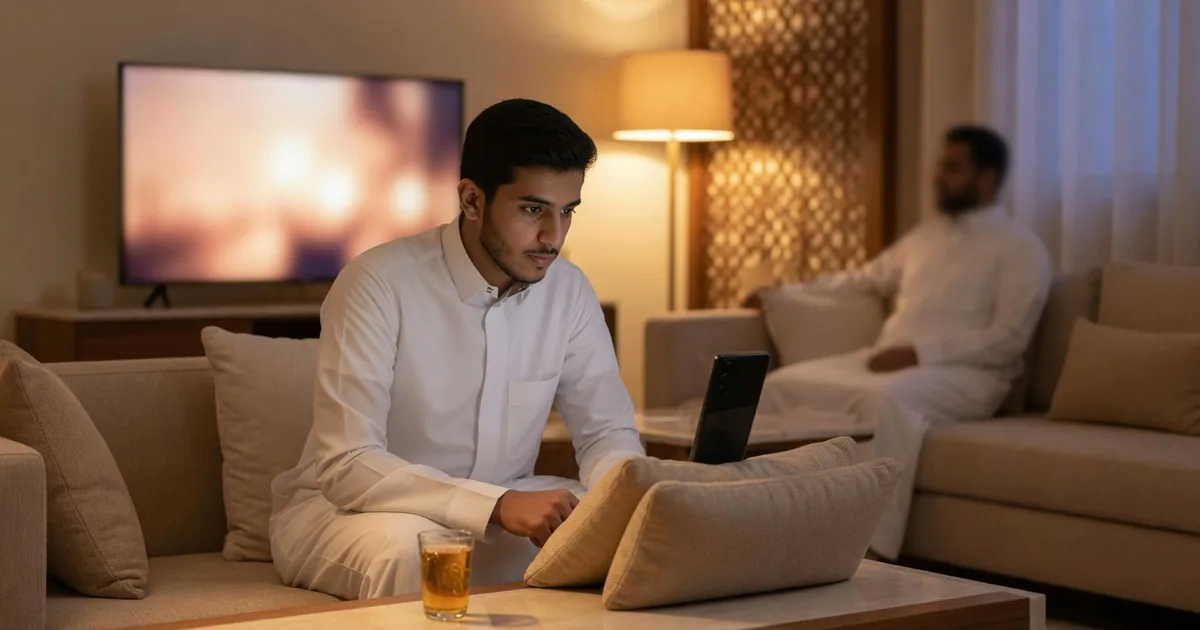
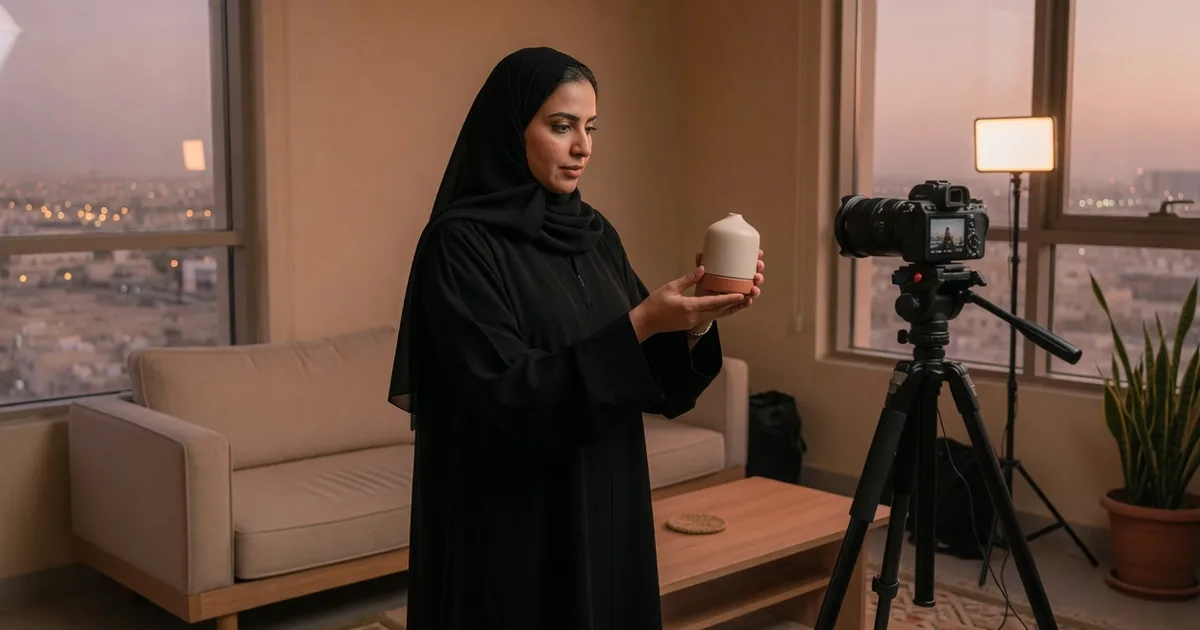
You are buying a usable video from a UGC creator, not a post from an influencer. The creator does not need a large following. You need someone who can film the product in a setting your customer would recognise — a Riyadh apartment, a Jeddah kitchen, a car before work — and speak the way your buyer speaks.
How to create multiple UGC videos for one product without repeating yourself
Use this mix. Skip any angle that does not match the product.
- First look. The shopper’s question is “What am I actually buying?” Film the product arriving or sitting on a real home surface, with hands, light, and a short reaction. Best for cold ads and the top of the product page.
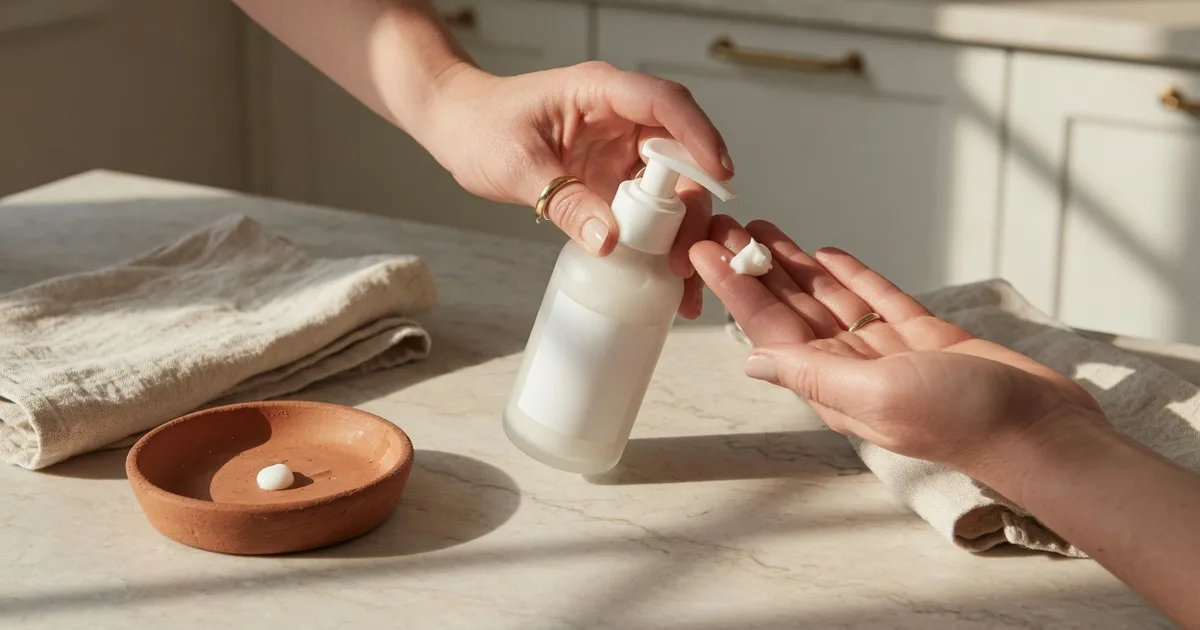
- One-feature demo. Pick the single thing customers ask about: fabric weight, coverage, battery life, smell, portion size, suction. Show that one thing in close-up. Best for the product page and retargeting.
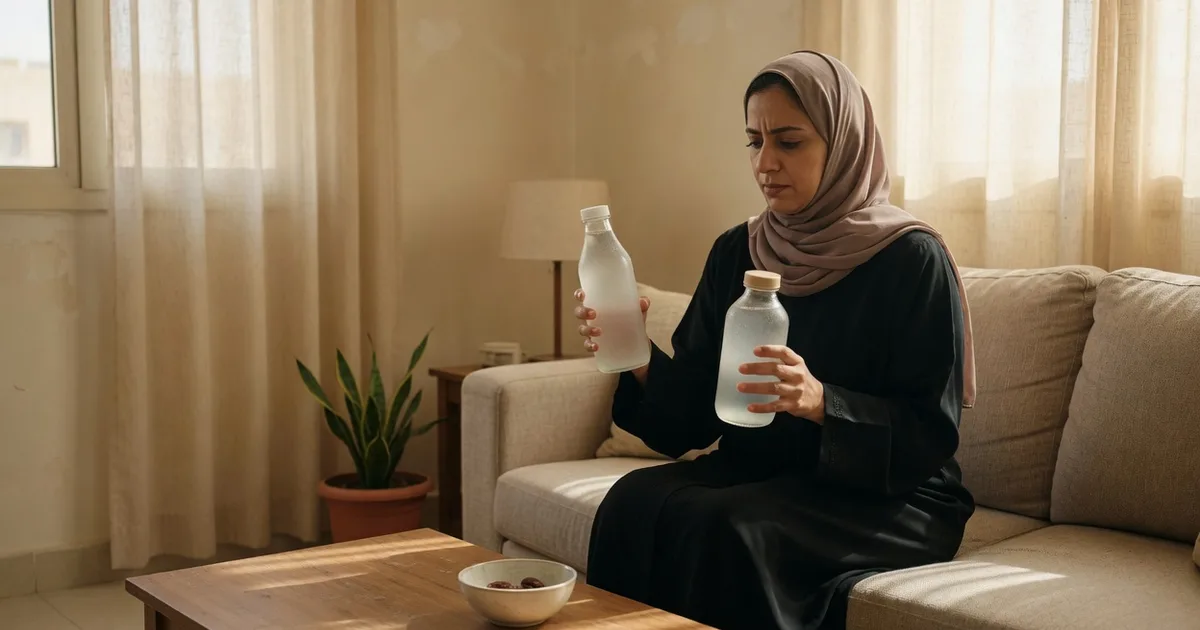
- Objection clip. Answer one doubt only: size, shade, “is it worth the price?”, “will it work in this heat?”, “is it easy to clean?”. Best for paid social and chat replies.
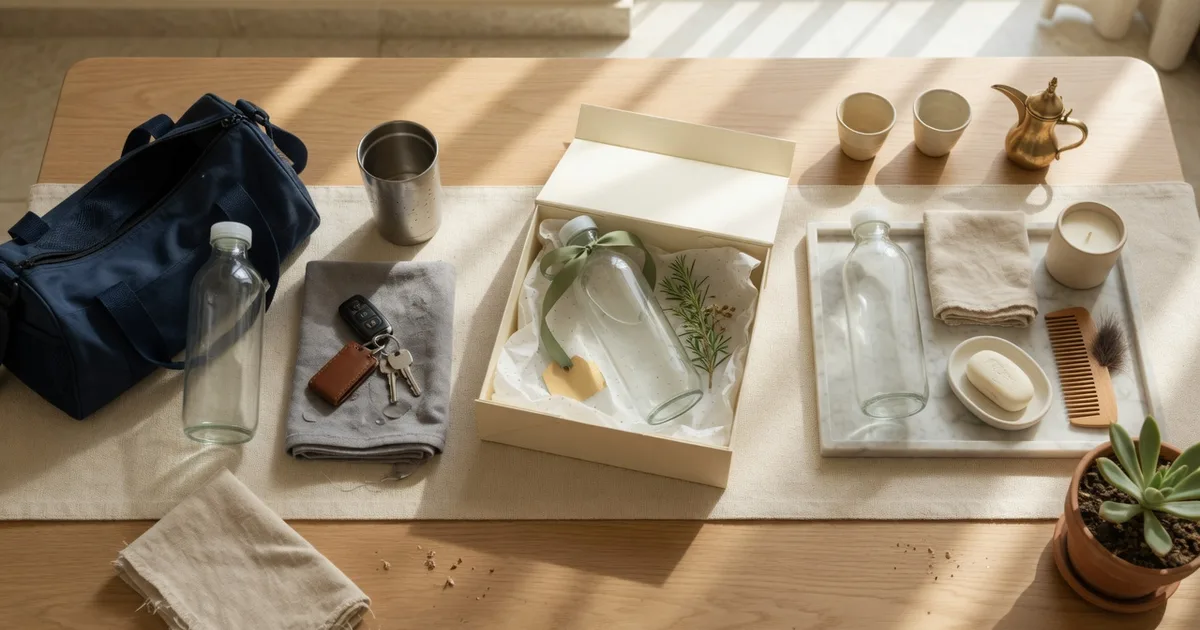
- Usage occasion. Put the product in a Saudi moment: weekday 6am, guest coffee, gym bag, school run, Thursday gathering, car console. Best for organic Reels and Stories.
- Gift or family. Show who it is for — sister, parent, new home, Eid bag. This is where an extra on-camera person helps. Best for seasonal pushes and Snapchat.
- How-to or routine. Teach the first use after purchase: three steps, no fluff. Best for the product page and post-purchase messages.
If you already chose unboxing, demo, or testimonial as your first order, treat that as angle 1, 2, or a spoken version of angle 3. Then fill the gaps instead of ordering a second clip in the same family. Which UGC Video to Order First: Unboxing, Demo, or Testimonial helps you pick that starting point.
How to keep two videos from becoming duplicates
Before you place the next order, write four labels for the last video and the next one:
- Job: stop, explain, reassure, or teach
- Setting: kitchen, bathroom shelf, desk, car, doorway
- Speaker: face on camera, hands only, or voiceover
- Hook: the first line or first visual
If two labels match, change at least two of them. Two “first look” videos in the same white-bathroom light with the same “I just got this” line are one video, even if you hired two creators.
An additional hook helps when you already like the body of a video but need a different opening for ads. On-camera appearance helps when trust depends on seeing a real person use the product (fashion, beauty, food). Hands-only often works better for electronics, home tools, and anything where the object should fill the frame. How to Write UGC Hooks for Saudi Product Videos shows how to write that opening line for each angle.
What to send the creator for each angle
Do not paste your full brand guide into every order. Send a short note that only covers this clip:
- Product name and the one job of this video
- Three talking points, in the language you want on camera
- One setting you can actually support (if you ship a product, say which room you prefer)
- What not to claim (no medical results, no “number one in Saudi Arabia”, no invented discounts)
- Any extra service you are buying: on-camera appearance, additional voiceover, additional talent, additional hook, fast delivery, or a post on TikTok, Instagram, or Snapchat
Keep claims inside what the product truly does. If you sell a serum, show texture and how it sits under makeup. Do not ask the creator to promise clearer skin in seven days.
Hypothetical example: one serum, six distinct clips
This is a hypothetical example, not a PushBrands customer result.
A Riyadh store sells a 50ml vitamin C serum as its hero SKU. Instead of six unboxings, the team orders:
- Evening first look on a kitchen counter, Arabic, product pulled from a plain shopping bag.
- Texture demo: two fingers on the back of the hand, then under sunscreen, no face.
- Objection: “Does it pill under makeup in this heat?” filmed in a bathroom with the AC visible in the background.
- Occasion: 6am school-run, small bottle going into a handbag next to keys and a coffee cup.
- Gift: two sisters wrapping the box for a parent, with additional talent added to the order.
- How-to: three night steps on the product page, on-camera appearance, slower pace.
Same bottle. Six different jobs. None of them need a celebrity or a large audience.
A sensible order sequence, not a six-video dump
Ordering six videos on day one usually wastes money. You still do not know which job your shoppers need.
- Order the first-look clip and the one-feature demo.
- Watch where you actually use them — ads, product page, or chats.
- Add the objection that comes up most in customer messages.
- Add an occasion or gift clip when you have a real calendar reason (weekend gathering, National Day gifting, a new colourway).
- Add the how-to once people reach the product page and still look unsure about first use.
Reuse a creator who already knows the lighting and the product. On PushBrands you can save creators to Favourites and order again at the base price they publish. Extra services are priced separately and shown before you order.
Filter by product category when the setting matters: Beauty, Fashion, Food & Beverage, and Home & Garden all need different rooms and hands. Electronics and Digital Products often need tighter product shots and less lifestyle dressing.
Mistakes that make “more videos” feel like one video
- Starting every clip with the same three seconds. Write a new hook or buy an additional hook; do not assume a new creator will invent one.
- Filming every angle on the same hotel-white desk. Saudi shoppers notice when a “home” never looks like a home.
- Treating the creator like an influencer. You are buying a vertical video to publish yourself, unless you add a TikTok, Instagram, or Snapchat post as an extra.
- Stacking extras on every order. Fast delivery and Spark Ads authorization are useful when you have a live date or a paid campaign. They are wasteful on a how-to that will live on the product page for months.
- Mixing languages inside one clip without a reason. Pick Arabic or English for that placement and stay there.
- Asking for results you cannot stand behind. If you would not print the sentence on the product page, do not put it in the UGC script.
Next steps
- List the one hero SKU you will film this month.
- Write the shopper question each new video must answer.
- Check the four labels (job, setting, speaker, hook) against any video you already have.
- Brief only the next two angles, not the whole catalogue.
- When you are ready to order, pick a creator in the matching product category, confirm the base price and any extras, and keep payment held until you accept the delivered video.
UGC services on PushBrands start from SAR 150. Creators set their own prices. Browse a profile, check previous work, and order the next angle directly — no campaign, no bidding.
FAQ
Can one creator film every angle?
Yes, and it often helps. The lighting and the way they handle your product stay consistent. Switch creators when you need a different age, city feel, or on-camera energy, not just for the sake of variety.
Do I need a new brief for each video?
You need a new job, setting, and talking points. You do not need a new brand story. Reuse product facts; rewrite the first line and the one thing the clip must prove.
Should every angle be a different length?
Give ads a single job that is clear in the opening seconds. Let a how-to run long enough that each step is visible. Do not pad either one.
Can I run the same file on TikTok, Reels, and Snapchat?
Often yes if it is vertical and the first seconds work without sound. If a placement needs a native post from the creator, that is a separate extra (TikTok Post, Instagram Post, or Snapchat Post), not a second edit of your file.